This app is published by MobileUps, the same operator that publishes RateTopic. This page is a developer walkthrough, not an independent scored review, so no RateTopic editorial score or Review schema is shown. Product facts were last checked July 29, 2026. Read our ownership and conflict policy.
Your phone almost certainly already opens PDFs — badly. The built-in viewer in most file managers is slow with big documents and useless the moment you want to actually mark something up. AnyPDF exists to be the lightweight reader you reach for instead: fast to open, simple to annotate, and free. We used it as our default PDF app for a week.
What is AnyPDF?
AnyPDF (listed as "Any PDF") is a focused PDF reader and light annotator for Android from MobileUps. It opens PDF documents quickly, lets you draw and mark up pages, and handles files from local storage and cloud drives. It's free and ad-supported, and deliberately avoids trying to be a full office suite.
Hands-on: speed over feature bloat
The point of an app like this is that it gets out of your way, and AnyPDF does. Large PDFs opened quickly and scrolled smoothly, and the reading view is clean — no cluttered toolbar fighting for the screen. Opening a file straight from a cloud drive worked without an awkward download-then-find dance.
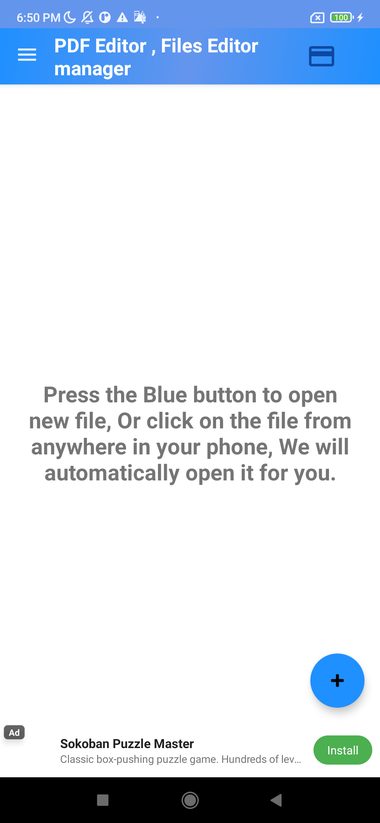
The annotation tools are the differentiator over a bare viewer. You can draw on a page and mark things up, which covers the common real-world need — signing off on a document, circling a figure, scribbling a note before sending it back. There's also an image-crop tool for tidying up captures.
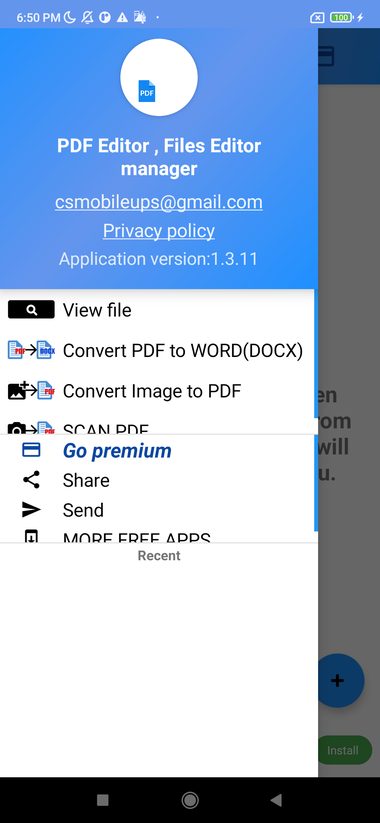
This is not a PDF editor in the heavyweight sense — you're not reflowing text or editing the underlying document — and it shouldn't be judged as one. For reading and light markup, that restraint is a feature, not a limitation.
What stands out
- Fast PDF rendering. Big documents open and scroll without the lag of generic viewers.
- Draw & annotate. Mark up pages for sign-offs, notes and highlights.
- Cloud & local files. Open documents from device storage and connected drives.
- Image crop tool. Tidy up captured pages quickly.
- Lightweight. A small, focused app rather than a heavy office suite.
The ad experience
AnyPDF is free because it's ad-supported. In practice that means occasional full-screen ads at transition points rather than banners plastered over what you're reading. It's a fair trade for a capable free reader, and if it bothers you, the simplest fix in the category is generally to keep the app for quick jobs and use it offline.
How it compares
Against heavyweight apps like Adobe Acrobat Reader or Xodo, AnyPDF is deliberately simpler and lighter — it won't do form-filling or advanced editing, but it also won't nag you toward a subscription to read a file. Against your phone's built-in viewer, it adds real annotation and faster handling of big documents. Its niche is clear: the no-friction reader for people who mostly need to read and occasionally mark up.
Who should use it — and who shouldn't
Use it if you want a fast, free PDF reader with basic markup and no subscription pressure.
Skip it if you need advanced PDF editing, form-filling or OCR — those call for a heavier, usually paid, tool.
Developer notes
This publisher-maintained guide describes current features and limitations. It is not an independent recommendation or rating.
Frequently asked questions
Is AnyPDF free?
Yes — it's a free, ad-supported PDF reader.
Can AnyPDF edit PDF text?
It's built for reading and annotation (drawing and marking up), not for editing the underlying document text. For that you'd need a dedicated editor.
Can it open files from Google Drive?
Yes — it opens PDFs from local storage and connected cloud drives.
Does it work offline?
Yes, reading and annotating local files works without a connection.
Methodology and corrections
Our reviews separate verified product information, observed behavior, pricing, privacy considerations, and editorial judgment. See the full scoring and evidence policy. If a fact has changed or you spot an error, send a correction.